
Network & Comms

07 · Service

Network & Comms

The backbone everything else relies on.

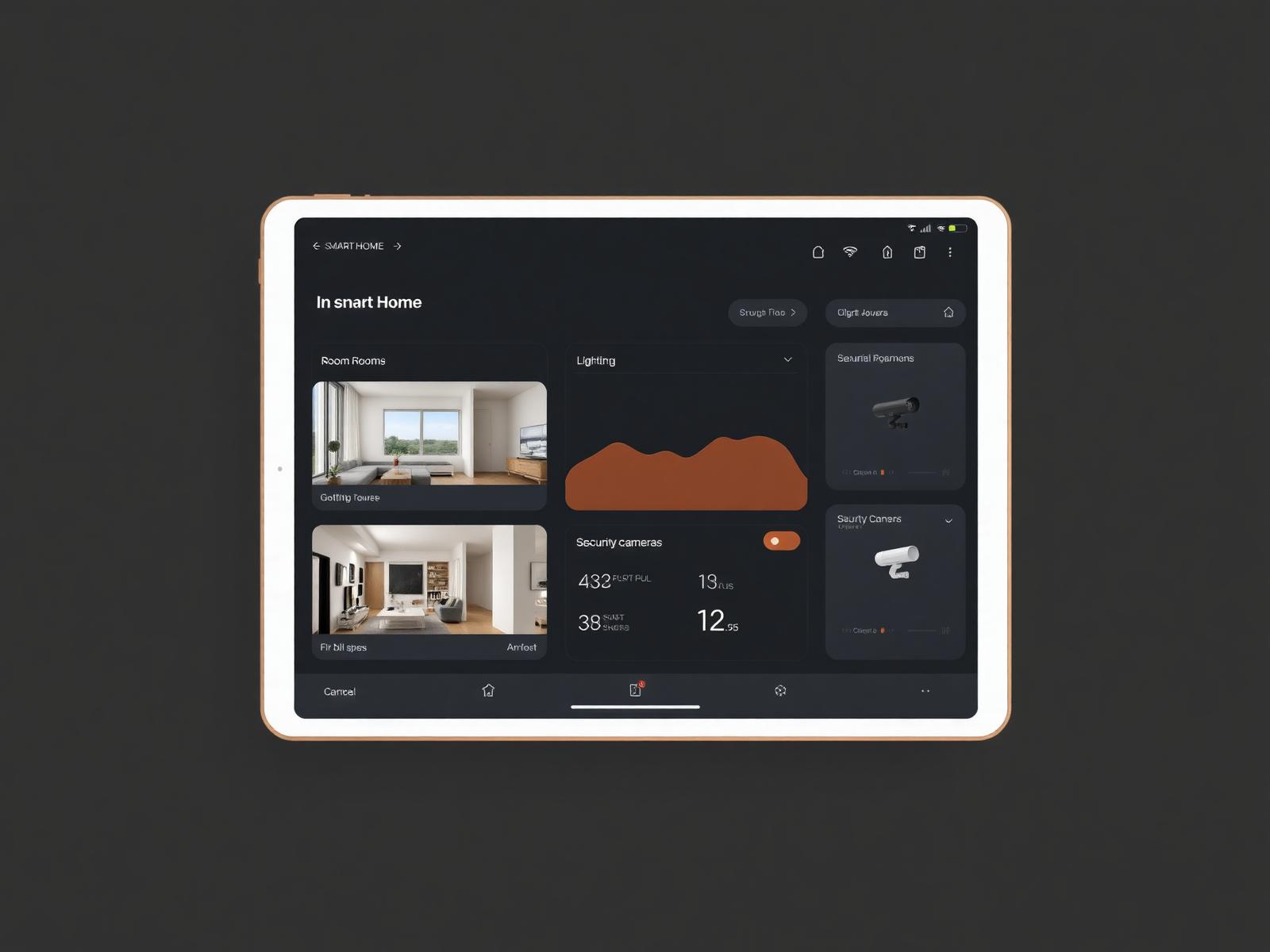
Network & Comms control dashboard

Centralised Control

One interface, every system.

Enterprise-grade Wi-Fi, structured cabling and 10G fibre - engineered to carry the entire home for the next decade.

Whether you reach for the wall keypad, the tablet, your phone or your voice - the experience is the same. Considered, consistent, and quietly responsive.

Approach

How we deliver network & comms.

Every system we install - cameras, audio, lighting, climate, leans on the network. So we build the network first, and we build it properly.

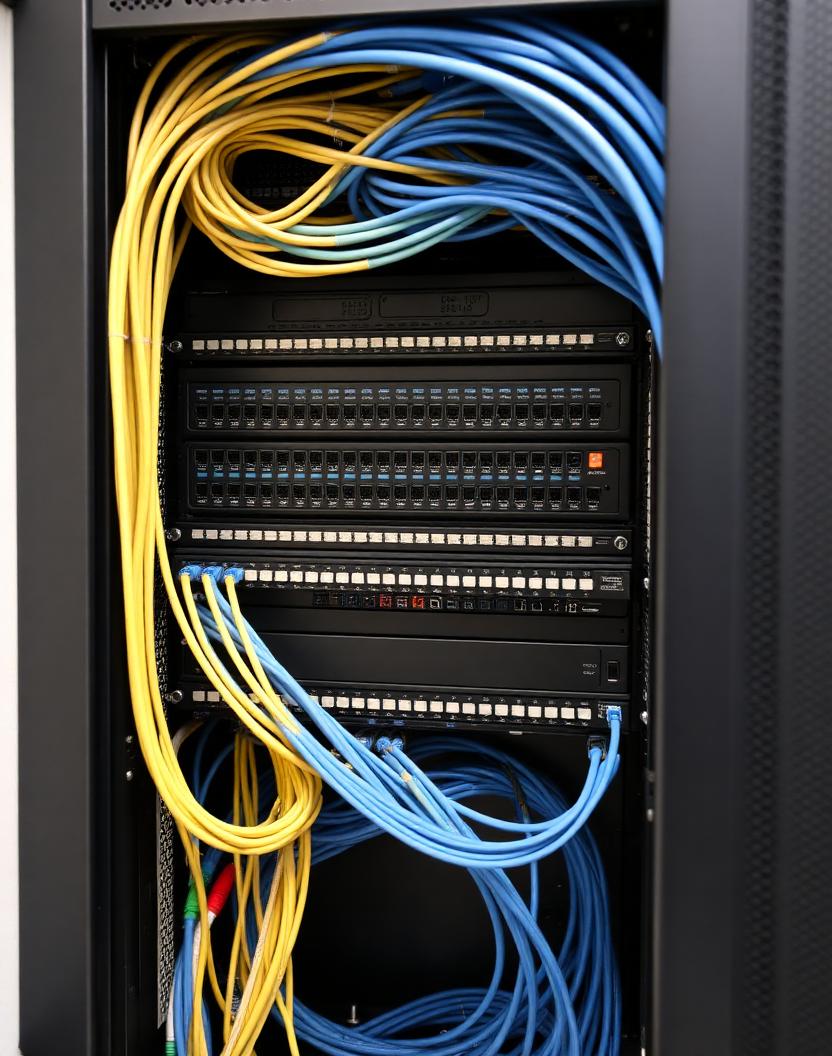
Cat6A or fibre to every point, Ubiquiti or Cisco infrastructure, and Wi-Fi 7 coverage tested room by room. No dead zones, no buffering, no excuses.

The single biggest failure mode we see in Perth smart homes is a mesh Wi-Fi kit doing the job of a proper enterprise network. Google Wi-Fi, Deco, Eero mesh - they work for a two-bedroom apartment. They do not work for a 400m² Cottesloe home with 60+ connected devices, two teenagers on 4K streaming and a 12-camera CCTV system pushing 100Mbps of continuous traffic.

We design networks for the peak load the home will actually see in three years, not what it needs today. That means Cat6A to every access point, PoE++ switches with headroom, and a controller that shows you which device is misbehaving when your Zoom call drops.

For new builds we insist on cabling the whole envelope at rough-in: two Cat6A runs to every room, one to every ceiling speaker, one to every camera position, fibre from the comms rack to the AV room. It costs $2-4k more at rough-in and saves $10-20k in retrofit later.

01 · Detail

Wi-Fi 7 designed room by room, not corner by corner.

A wireless survey isn't optional. We measure signal strength, channel congestion and roaming behaviour in every room before we specify hardware. In a typical Perth home that means 3-5 ceiling-mounted access points, not one router in the study and hope.

Wi-Fi 7 is now the standard we deploy for new work - 6GHz band gives clean spectrum, and every current-gen phone, laptop and tablet supports it.

  • 01Full site survey before hardware is specified.
  • 02Ubiquiti U7 Pro, Cisco Meraki MR57 or Aruba AP-635 as the current fleet.
  • 03Ceiling-mount, in-wall or ceiling-tile options.
  • 04Guest Wi-Fi, IoT VLAN and family Wi-Fi kept properly separate.
  • 05PoE+ powered - no plug packs behind furniture.

02 · Detail

Wired backbone that outlasts the wireless generation.

Wireless standards change every 4-6 years. Cabling lasts 25. We insist on Cat6A minimum for every drop (10GbE-ready) and fibre from the comms rack to the AV room and any remote garages or granny flats.

Every install includes a proper 24U or 12U comms rack, patched and labelled, so a technician in five years can see what runs where without pulling ceilings apart.

  • 01Cat6A to every room and camera position (10GbE-ready).
  • 02Fibre backbone between comms rack, AV rack and outbuildings.
  • 0324U wall-mount or floor-standing rack, patched and labelled.
  • 04PoE++ switch (Ubiquiti Pro Max or equivalent) with headroom for 24 cameras.

03 · Detail

Monitored, updated and remotely supported.

Every network we install is monitored 24/7 from our office - we see outages before you do, we push firmware updates on your schedule not the vendor's, and we can remote in to troubleshoot without a truck roll.

For clients who prefer full ownership, we hand over the controller access and step back. Your network, your rules.

FAQs

Frequently asked.

Quick answers to what Perth clients ask about network & comms. Anything we haven't covered? Get in touch.

Do I need enterprise Wi-Fi at home?

If you have more than 30 connected devices, a CCTV system, streaming 4K in more than one room, or a home office where Zoom must not drop - yes. Mesh kits can't reliably handle that.

How many access points does a Perth home need?

Two-bedroom apartment: 1. 200m² single-storey: 2. 300-500m² double-storey: 3-4. 500m²+ with outbuildings: 5+. All confirmed by survey.

Can you install fibre between two buildings?

Yes - direct-burial fibre between the house and a granny flat, garage or shed is a common install. Runs up to 300m easily.

Do you offer network monitoring after install?

Yes - monthly monitored network support is $60-150/month depending on scale. Includes firmware updates, remote troubleshooting and a quarterly report.

Brands We Specify

Ubiquiti UniFiCisco MerakiEero ProAruba

Next Steps

Talk to a senior engineer.

We'll meet you on site, listen to the brief, and quote a system designed for the way you actually live.

Book a consultation

Next service · 08

Lighting

Light, designed.

Call