
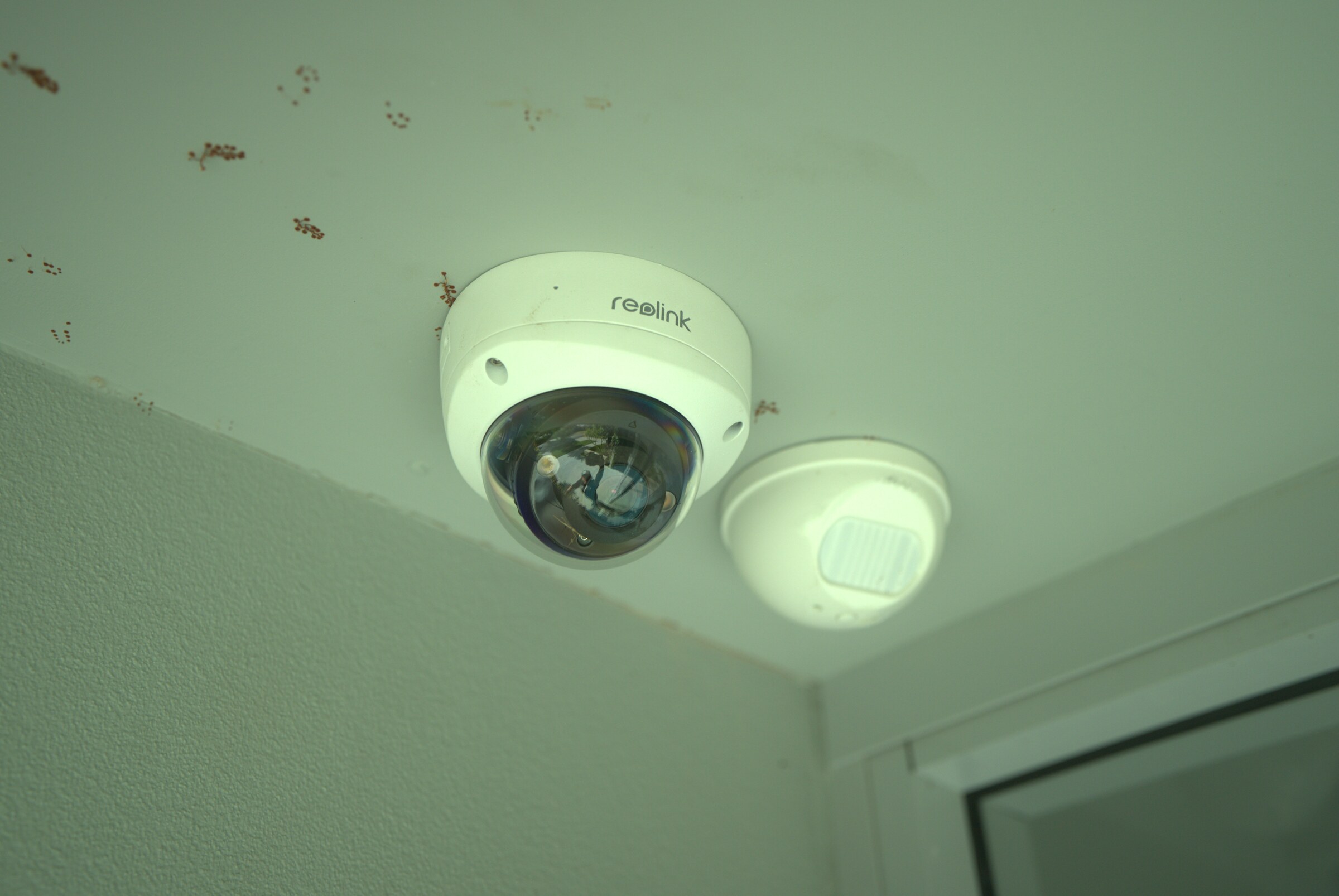
01 · Detail
Everything - what you actually get
We treat Everything as an engineered install, not a retail box shift - proper Cat6 or Cat6A cabling, weatherproof enclosures where hardware sits outside, tidy switchboard labelling, and a documented as-built handover pack you can hand to the next electrician.
Pricing for Everything is transparent and honest. We publish typical ranges, walk you through hardware options in plain English, and never bolt on monthly cloud subscriptions or vendor lock-ins after the fact.
Because we live and work in Perth, response times on everything enquiries are fast: most site visits happen within the same week and post-install adjustments are handled by the same crew who did the original work.
Everything isn't a commodity - camera angles that respect neighbour privacy, lock strikes that sit flush, touchscreens at the right height, sub-mains that don't nuisance-trip. That craft is what separates a good install from an average one.
Choosing SmartSpace for Everything means dealing with the same two founders - Leo and James, from first call through to handover. No account managers, no offshore call centres, no scripted upsells.
Every everything project starts with a proper on-site consultation. We measure, mark cable runs, photograph switchboards and talk through how the household actually uses the space, so the everything quote we hand you is fixed in writing before a tool is lifted.
Our senior crew is what makes the difference on a everything install. Licensed electricians and data-cabling technicians work in our own vans, never sub-contracted out, which is why every job carries a full 10-year workmanship warranty.
- 01Free on-site consultation and fixed written quote for Everything
- 02Licensed electricians on every everything job - no sub-contractors
- 0310-year workmanship warranty on all everything installs
- 04No monthly subscriptions, no vendor lock-in
- 05Same-week everything bookings across the Perth metro